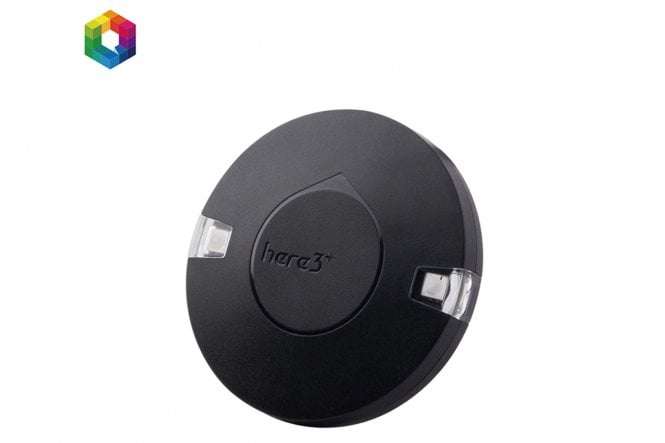
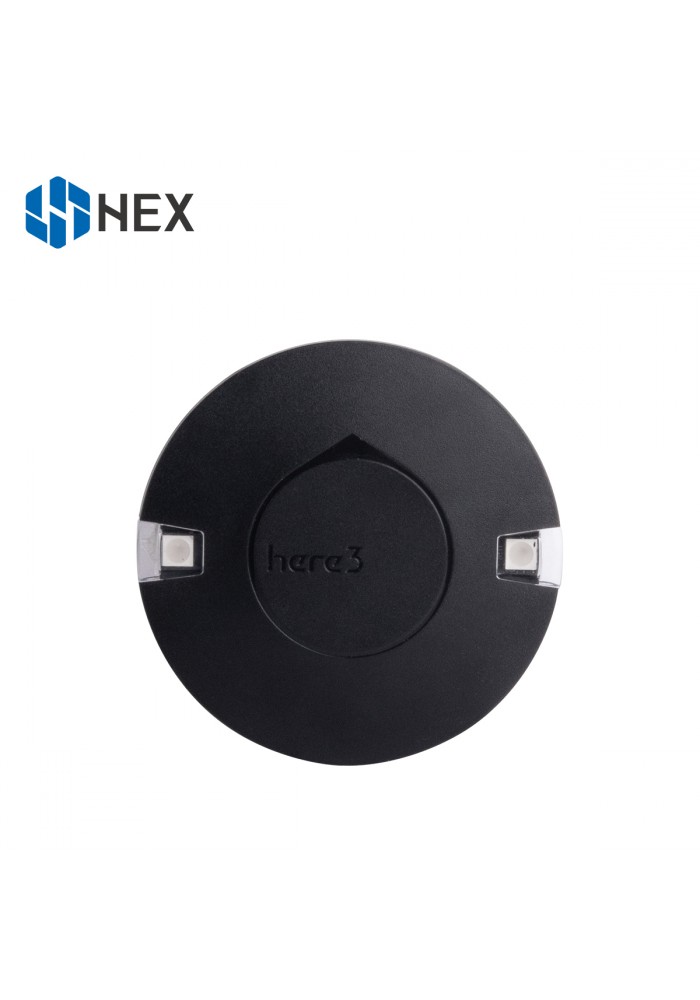
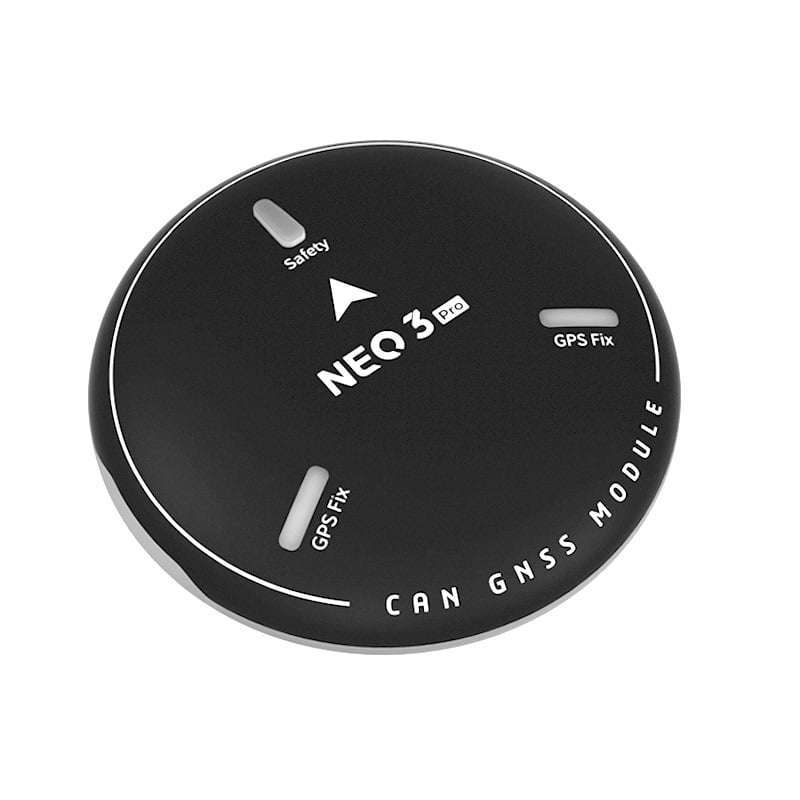
Features Cost-efficient high precision and RTK supported GNSS chip (base station needed for RTK). Positioning accuracy down to centimetre-level in an ideal environment. Brand new design with improved visibility on signal LEDs. Better dust and water resistance (Not guaranteed to be water-proof under any situation due to the complexity of the operating environment). The high data rate, upgradeability, noise immunity, and real-time features benefited from CAN protocol Equipped with STM32F302 high-performance processor in a real-time operating system. The framework developed by Hex provides additional stabilities. Supports future firmware updates. Support from ground control software. Future updates will be available from Mission Planner. Built-in a complete set of Inertial Measurement Unit (compass, gyroscope, and accelerometer), which satisfy advanced navigation needs. Specification Receiver Type u-blox M8 high precision GNSS modules (M8P) Satellite Constellation GPS L1C/A, GLONASS L1OF, BeiDou B1I Positioning accuracy 3D FIX: 2.5 m / RTK: 0.025 m Processor STM32F302 IMU sensor ICM20948 Navigation Update Rate Max: 8Hz Communication Protocol CAN Operating Temperature -40℃ to 85℃ Dimension 68mm x 68mm x 16mm Weight 48.8g Pinout Pin Definition Cable Colour 1 VCC_5V Red 2 CAN_H White 3 CAN_L Yellow 4 GND Black Configuration 1. Using Ardupilot Firmware: Using one Here3: Connect the 4pin CAN cable connector to CAN1 or CAN2 port on the flight controller. power the flight controller and connect it to Mission Planner. Go to “Config/Tuning > Full Parameter List” and modify the following parameters: CAN_D1_PROTOCOL: 1 CAN_D2_PROTOCOL: 1 CAN_P1_DRIVER: 1 CAN_P2_DRIVER: 1 GPS_TYPE: 9 NTF_LED_TYPES: 231 Click “Write Params” when done. CAN functions will be available after rebooting the flight controller. Using two Here3: You need the latest Ardupilot firmware to manually assign different node ids to Here3 to work properly (node ids are 0-125). Connect each Here3 4Pin CAN cable to the CAN1 port of the flight controller(one at a time), and conduct the following procedure. Select “install firmware” from Mission Planner and load the latest copter and plane firmware. No refund Policy for this Product